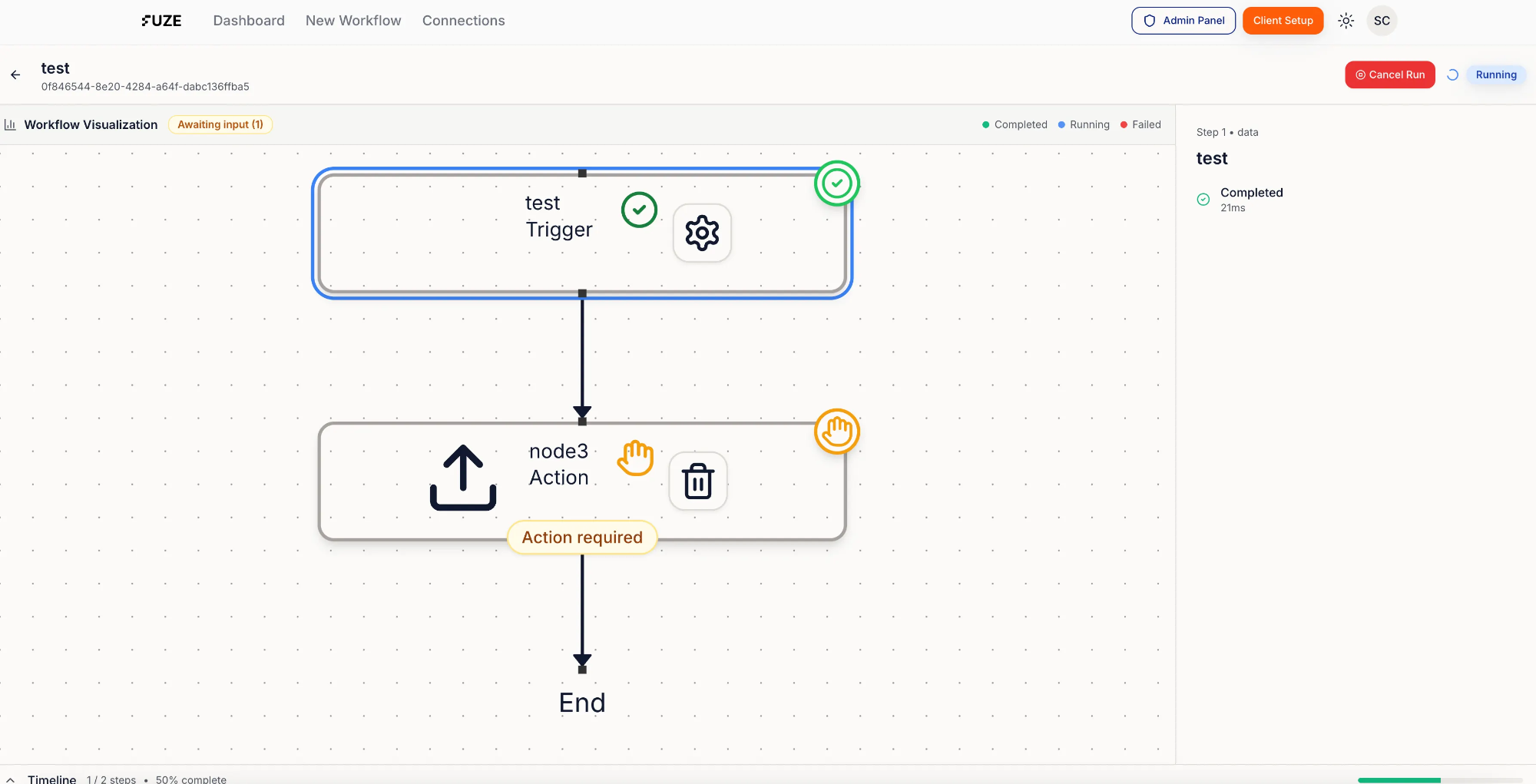
Fuze Quick Start (4 Steps)
1) Link your account
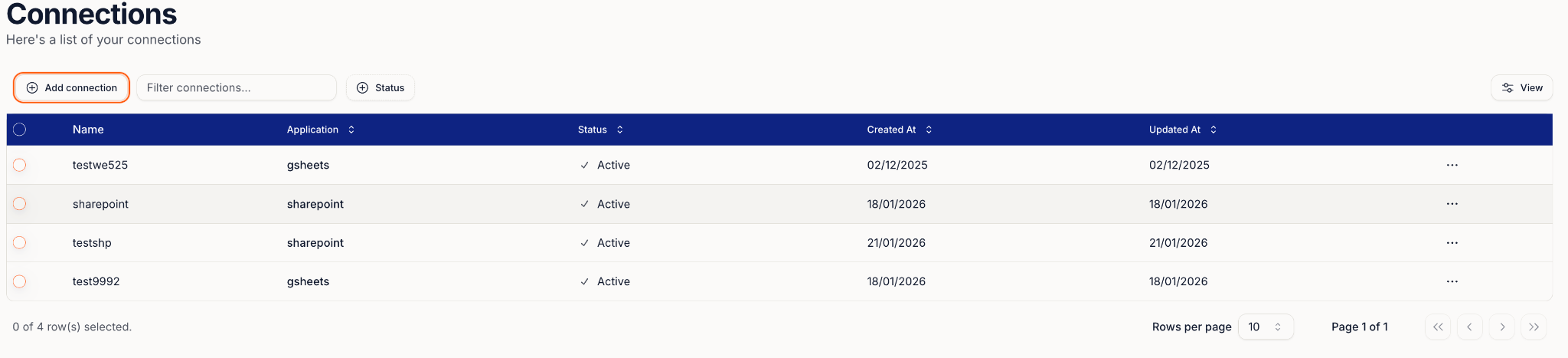
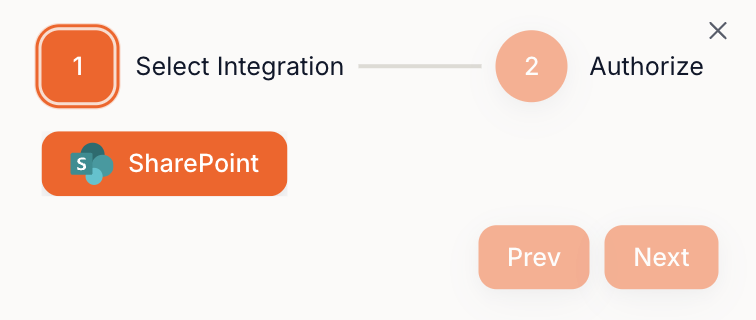
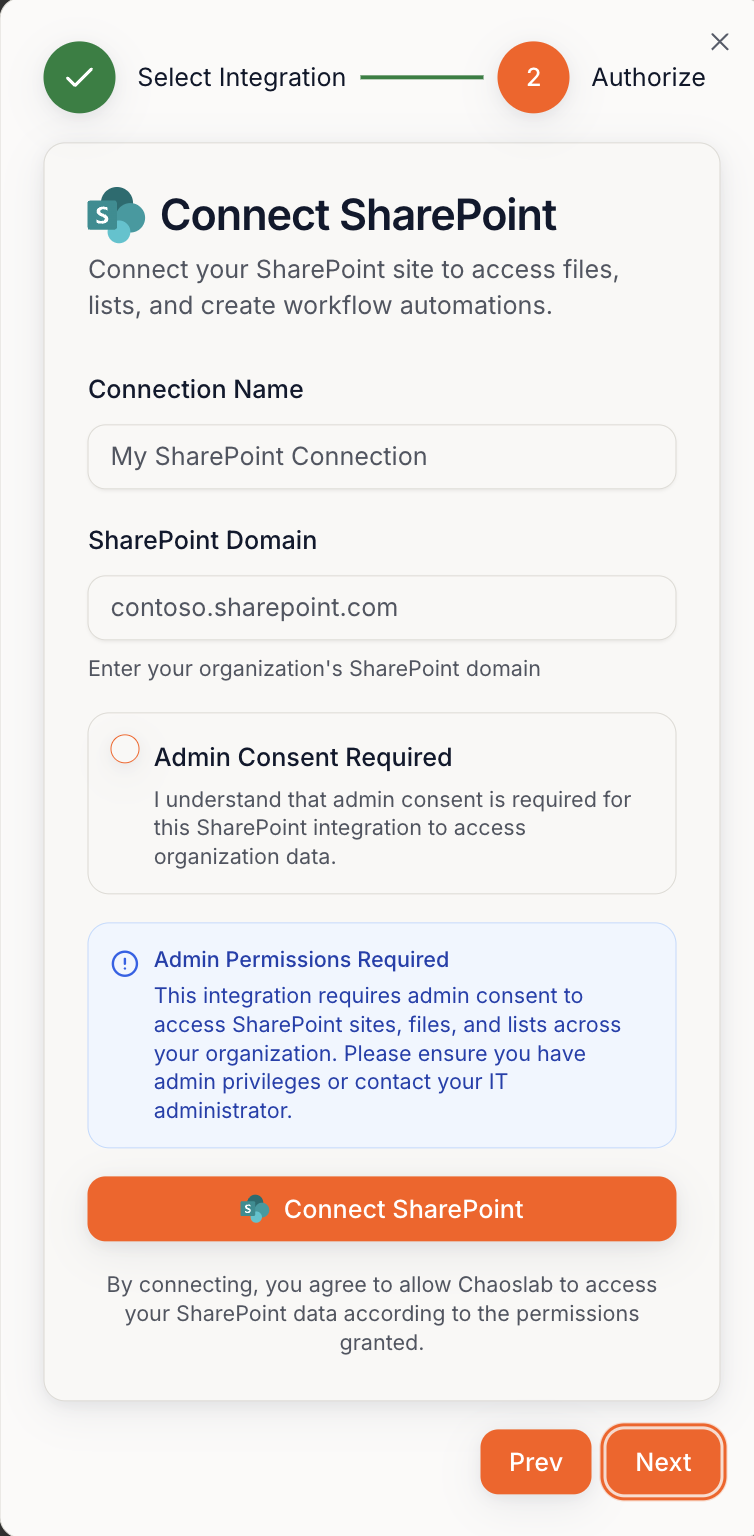
Go to Connections → connect SharePoint.
2) Set up your first Blueprint
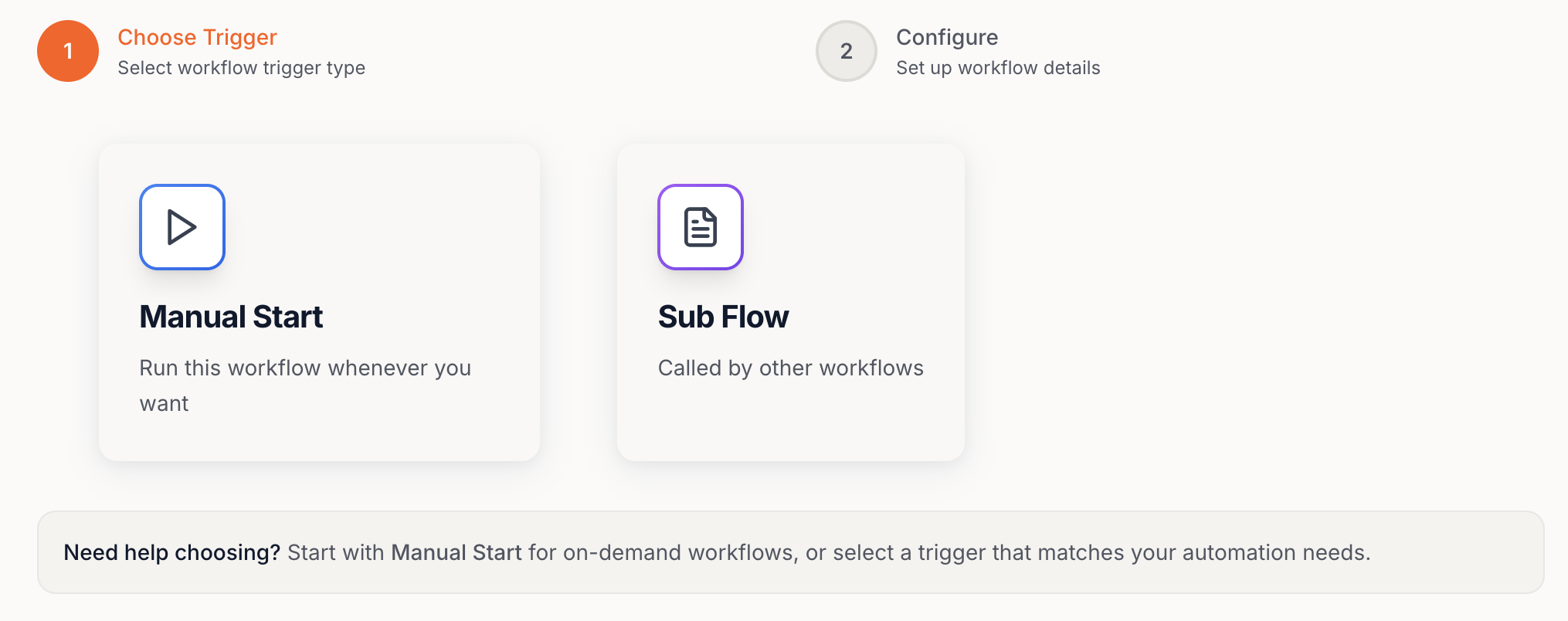
Click New Workflow → choose Manual Start.
3) Add a Step (Action)
Click + Add → pick a step (e.g. File Upload, SharePoint, Report Generation, Browser Use).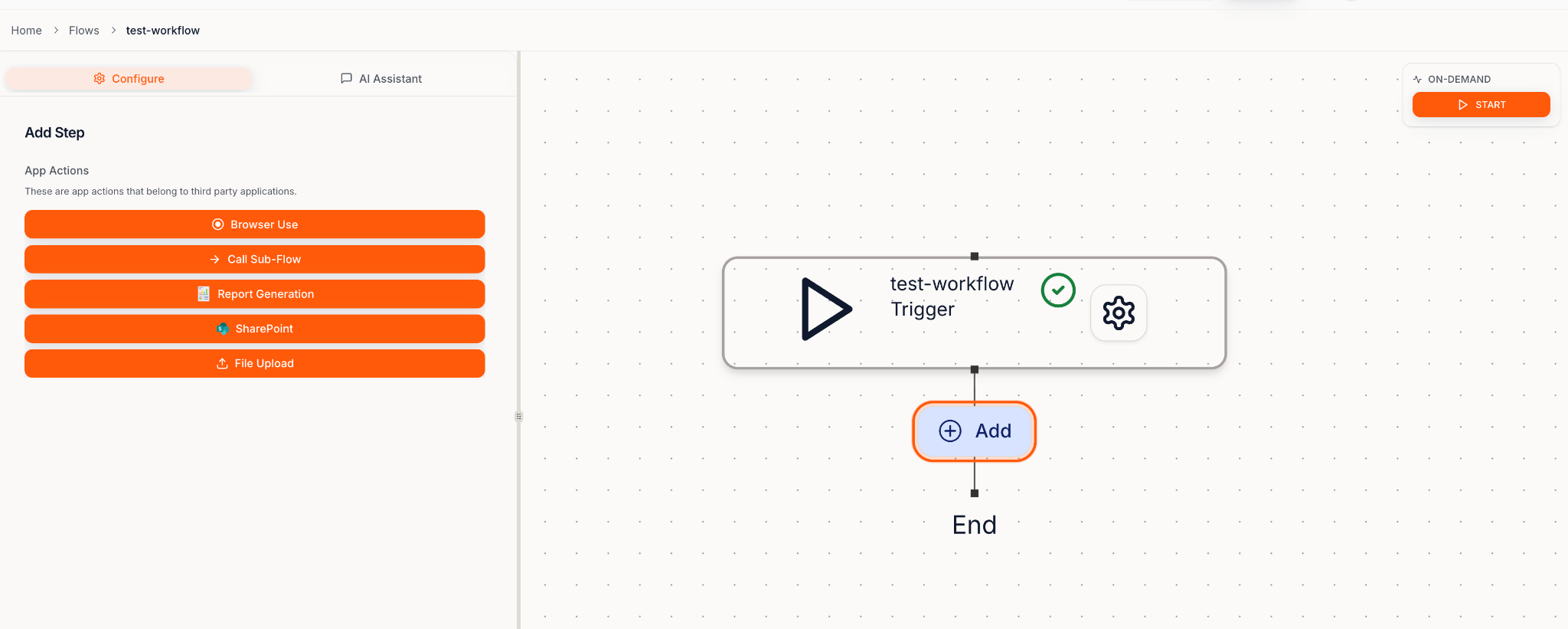
4) Run the Blueprint
Click Start → follow along in Run Viewer. If it pauses, it just means Action required — do the quick check and it continues.