Your first win: the “Cup of Tea” Blueprint
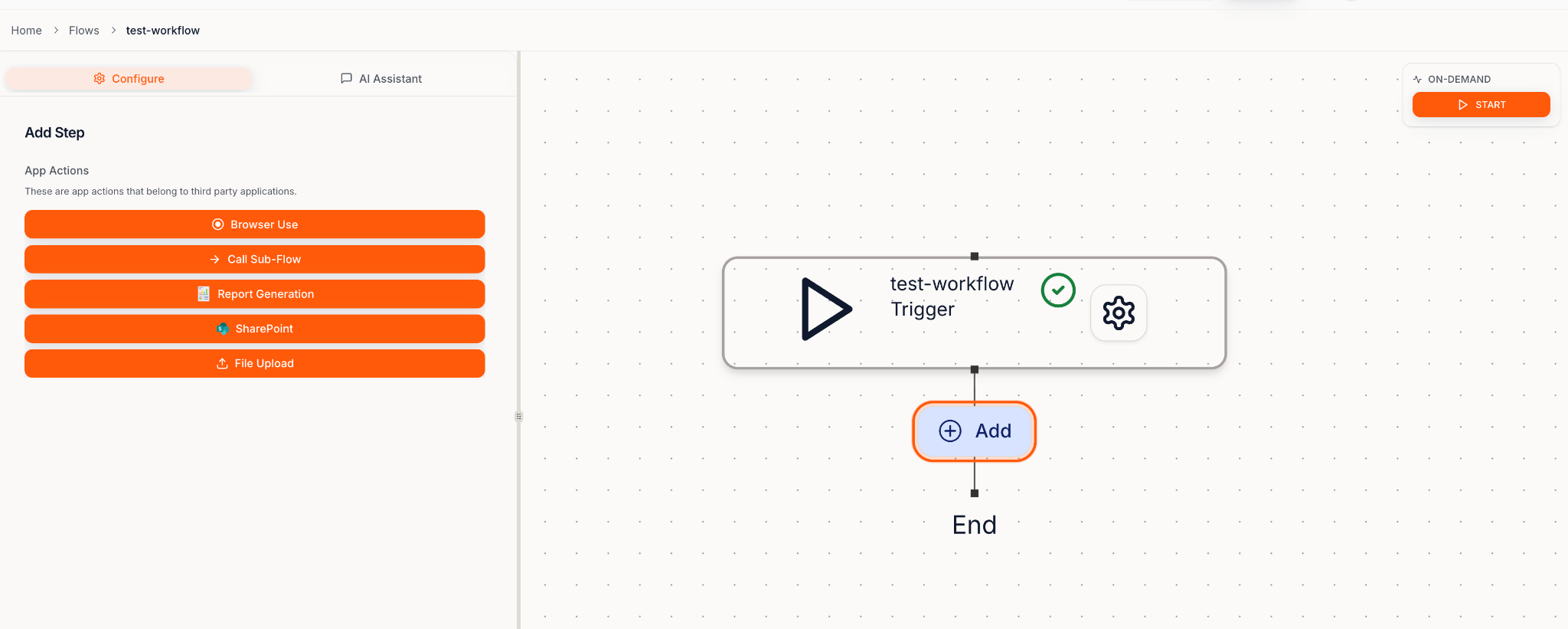
Your first Blueprint should be so simple you can:- Click Start
- Go make a cup of tea
- Come back
- See a finished output waiting for you
Getting Started: Build a Blueprint
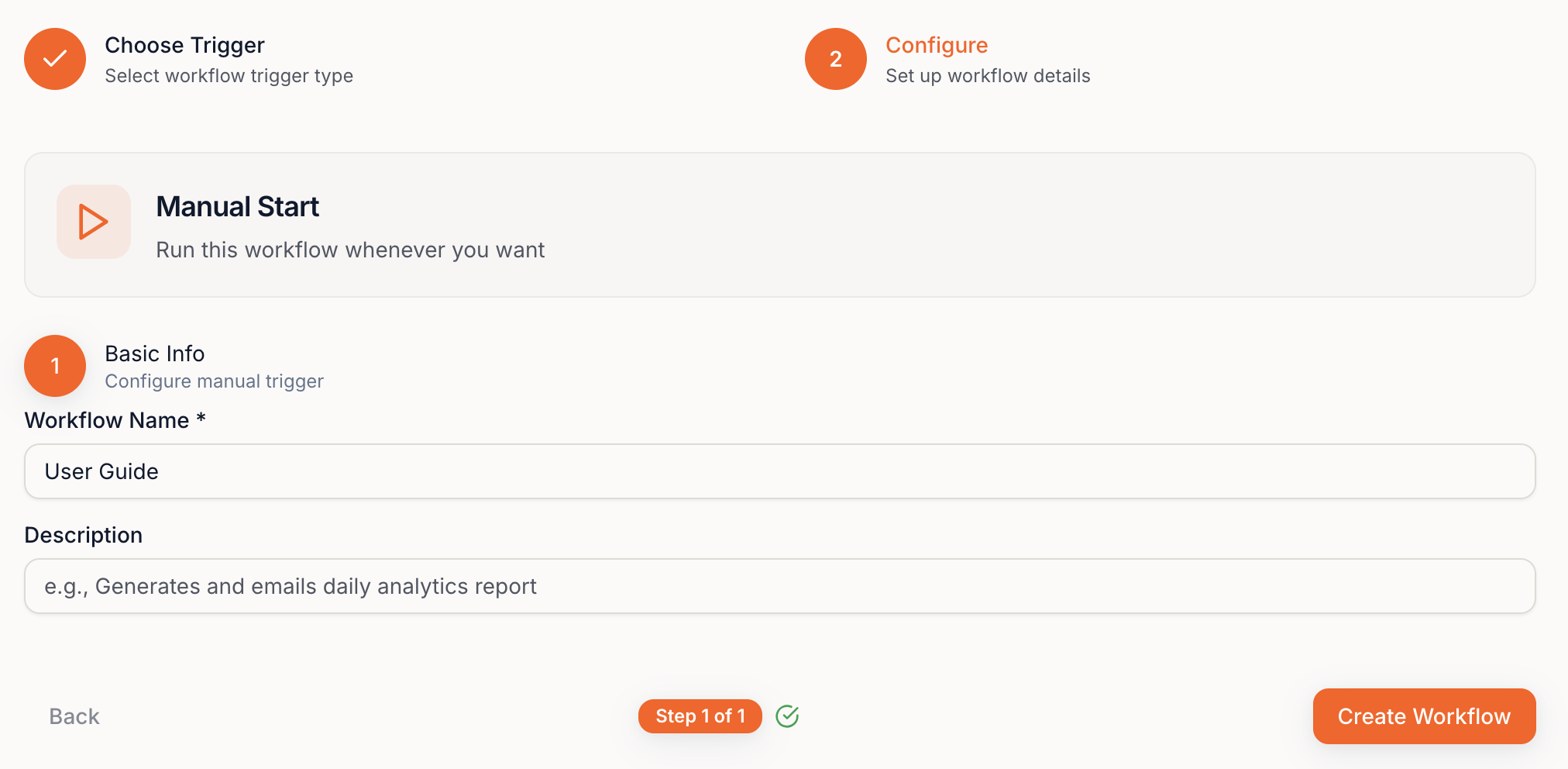
1) Create a new Blueprint

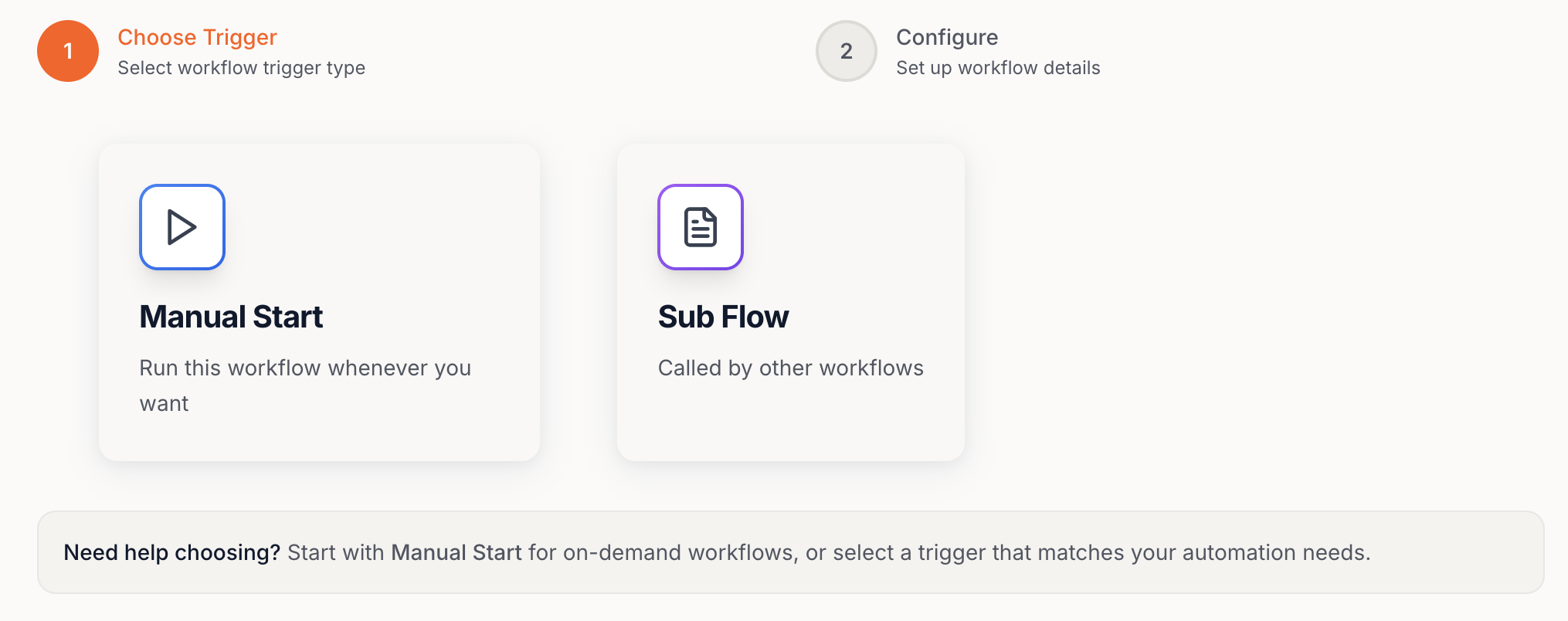
2) Choose your Blueprint type
There are two modes:- Manual Start → runs when you click Start
- Sub-Blueprint → runs as a reusable step inside another Blueprint
Manual Start (recommended first)