

Browser Use
Browser Use is an AI agent that browses the web to extract data and take screenshots for you. If login is required:- You’ll get an email with a link
- You log in manually
- The agent continues
Your login credentials are never stored.
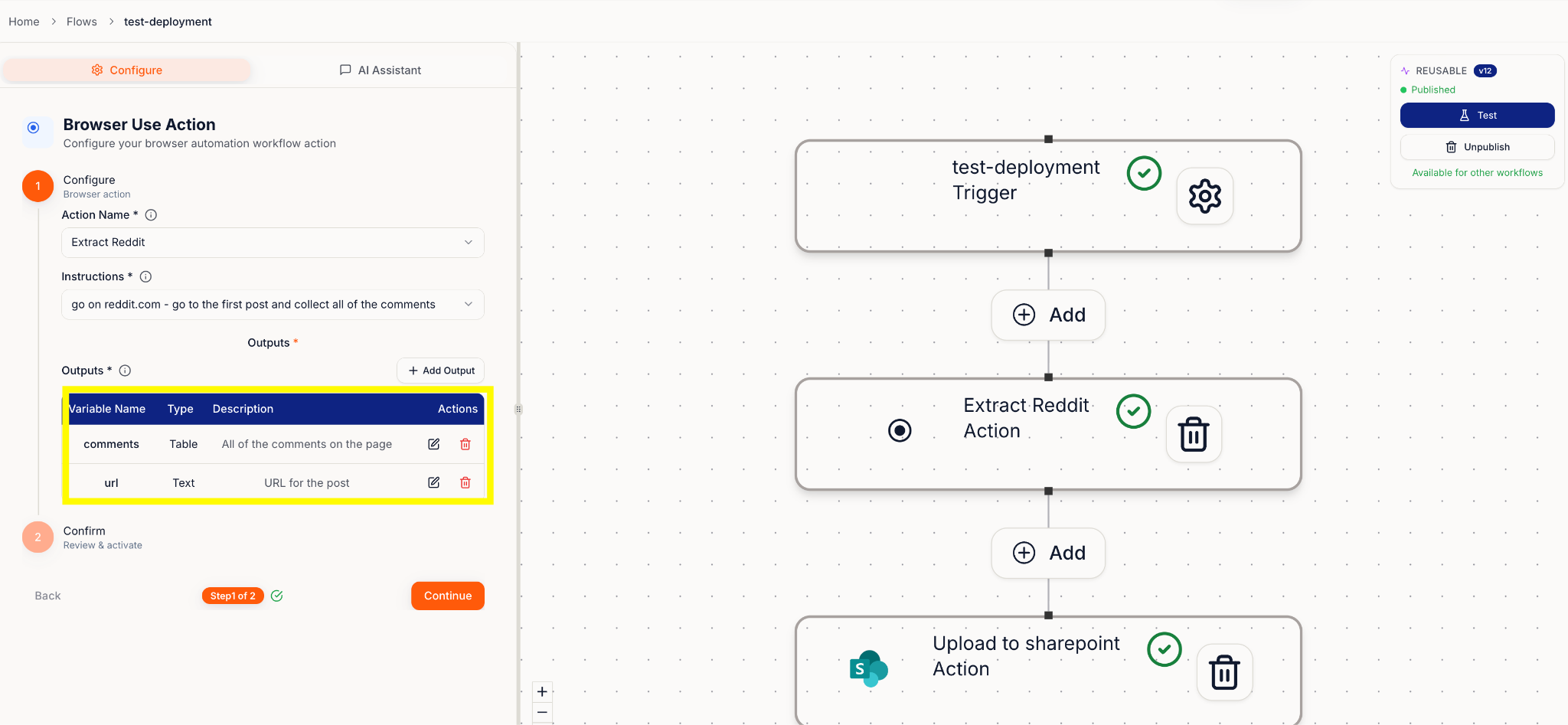
Write instructions like you’re texting a helpful teammate
Be clear and specific. Tell the agent where to go, what to find, and what to bring back. Examples:- “Go to [link], open [tab], find the graph for weekly power usage, and take a screenshot.”
- “Go to [SharePoint link], open [document name], and extract client name and address.”
Outputs
List exactly what you want returned, for example:- Weekly power usage graph (screenshot)
- Client name
- Client address