Fuze home page
Search...
⌘K
Getting Started
Quick Start
Core Concepts
Build Your First Blueprint
Using Fuze
Dashboard
Run Viewer
Steps Overview
Activate Panel
Steps
Browser Use
File Upload
Report Generation
SharePoint
Advanced
Connections
Sub-Blueprints
Fuze home page
Search...
⌘K
Search...
Navigation
Steps
File Upload
Documentation
Documentation
Steps
File Upload
Upload files during a Blueprint run
File Upload
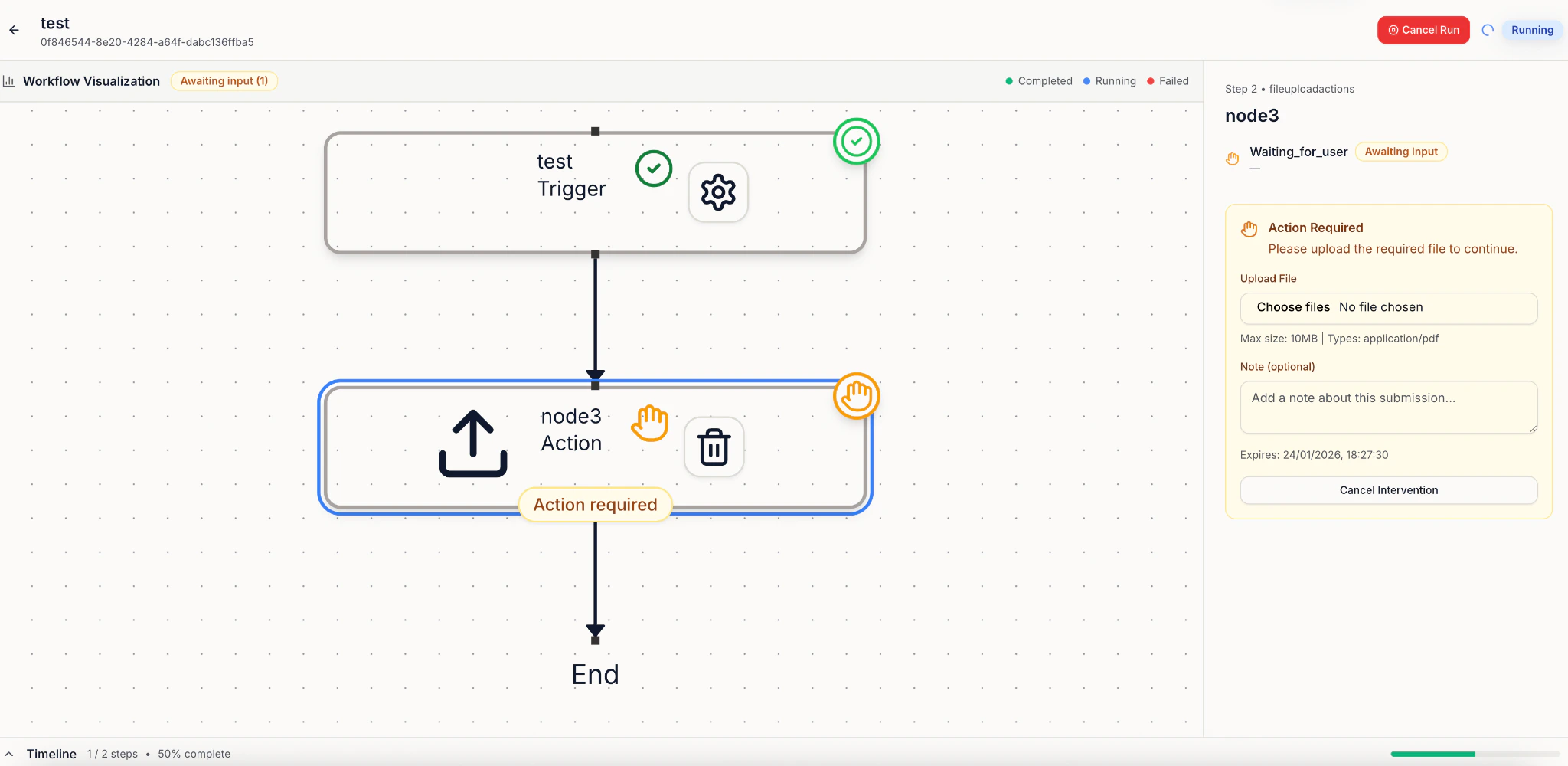
This is a “pause and ask you” step.
When the Blueprint reaches File Upload, it will stop and wait until you select files in Run Viewer.
Uploaded files are available to all later steps in the run.
Previous
Report Generation
Create reports with new data based on existing templates
Next
⌘I
On this page
File Upload