Connections
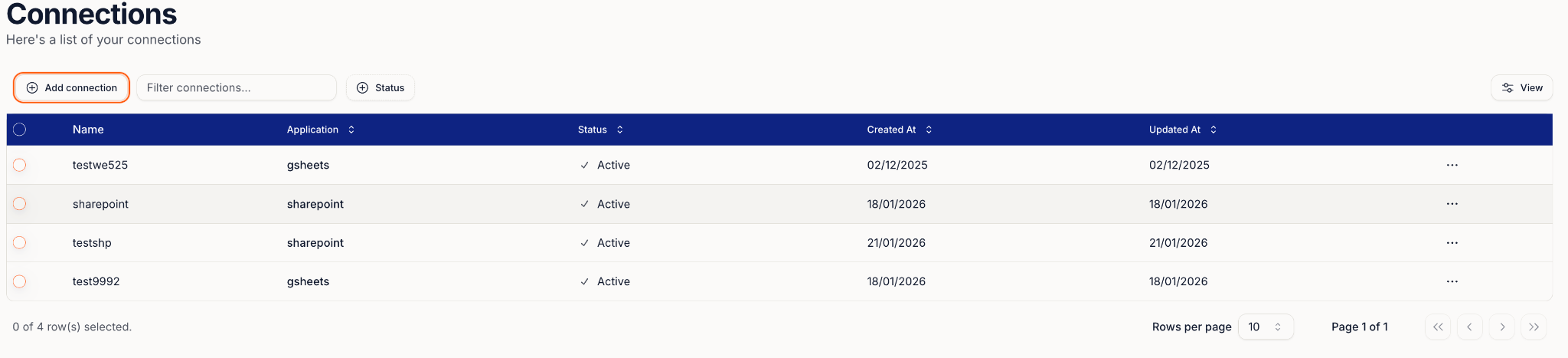
Connections are saved integrations that let Fuze access tools like SharePoint. Once authorised, the connection appears inside workflow steps so you don’t need to log in again.
Connect SharePoint
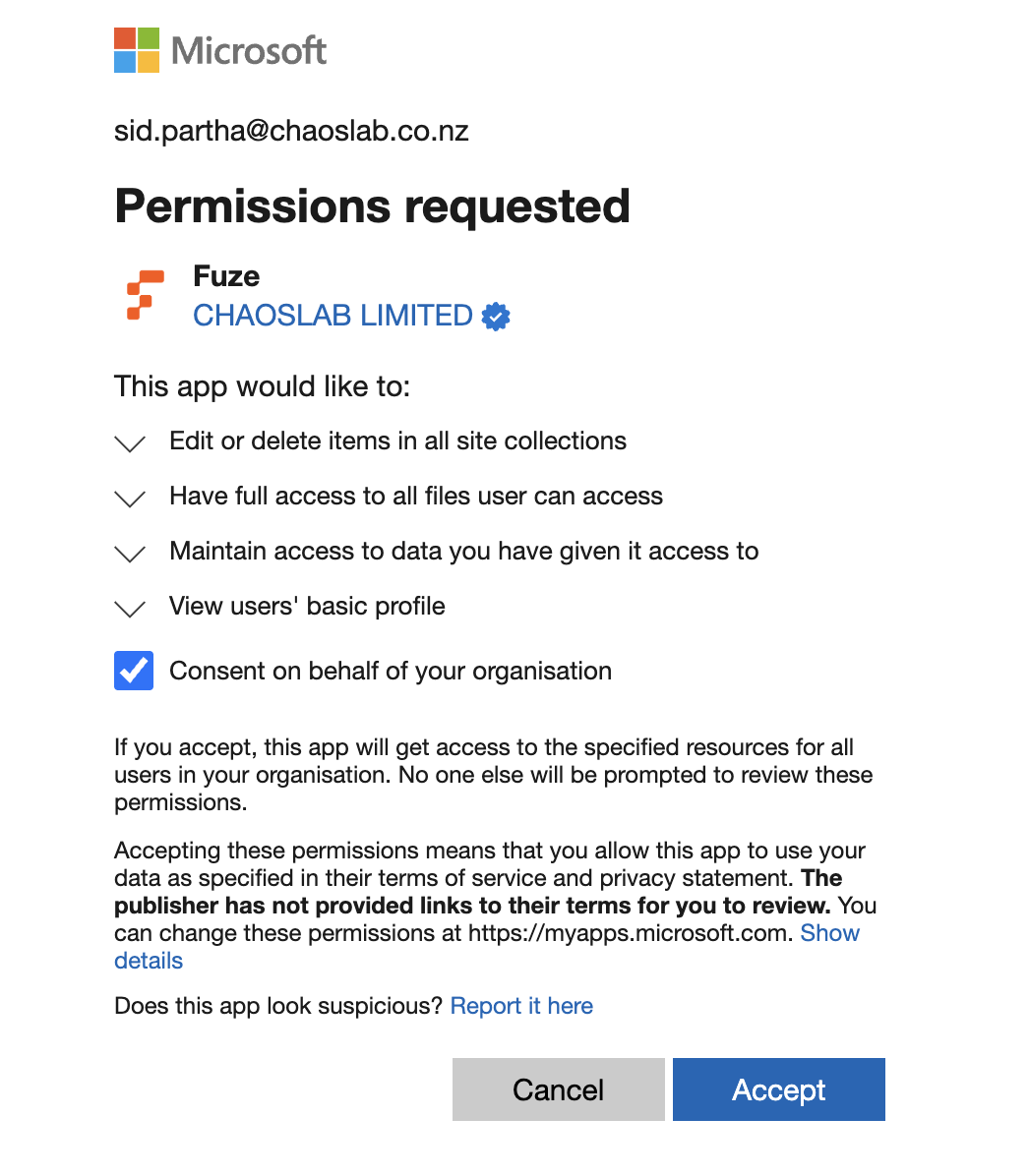
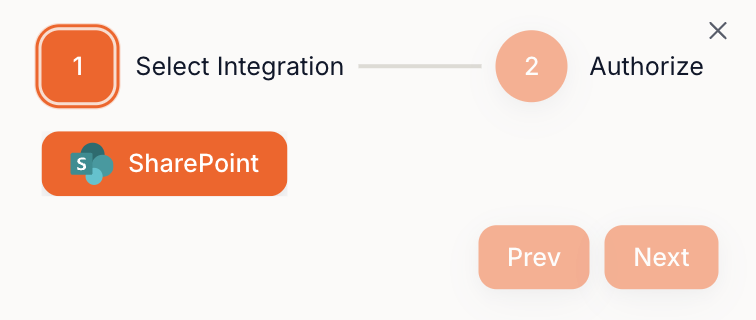
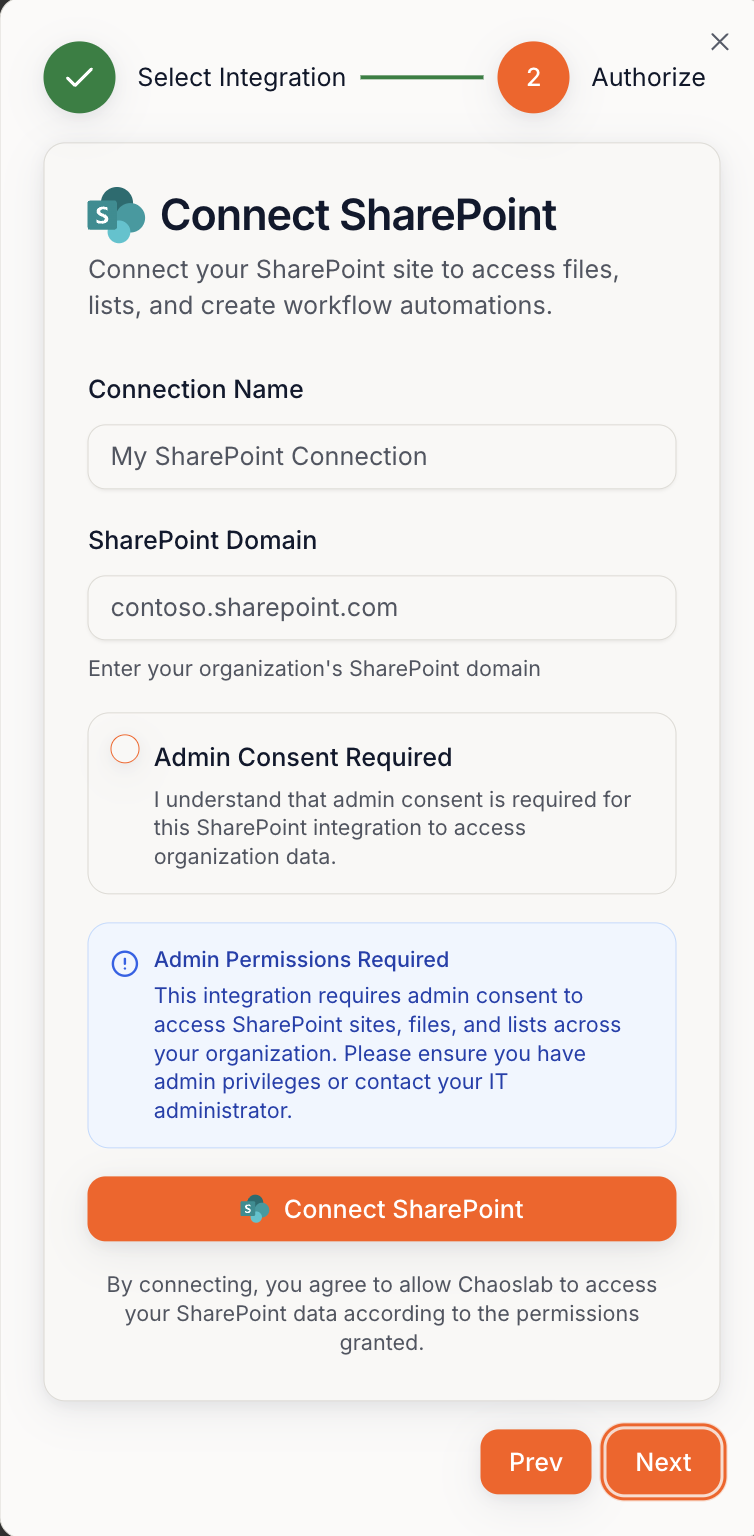
Connect flow: Select integration → Connect SharePoint → Login → Next → Confirm