Fuze home page
Search...
⌘K
Getting Started
Quick Start
Core Concepts
Build Your First Blueprint
Using Fuze
Dashboard
Run Viewer
Steps Overview
Activate Panel
Steps
Browser Use
File Upload
Report Generation
SharePoint
Advanced
Connections
Sub-Blueprints
Fuze home page
Search...
⌘K
Search...
Navigation
Steps
SharePoint
Documentation
Documentation
Steps
SharePoint
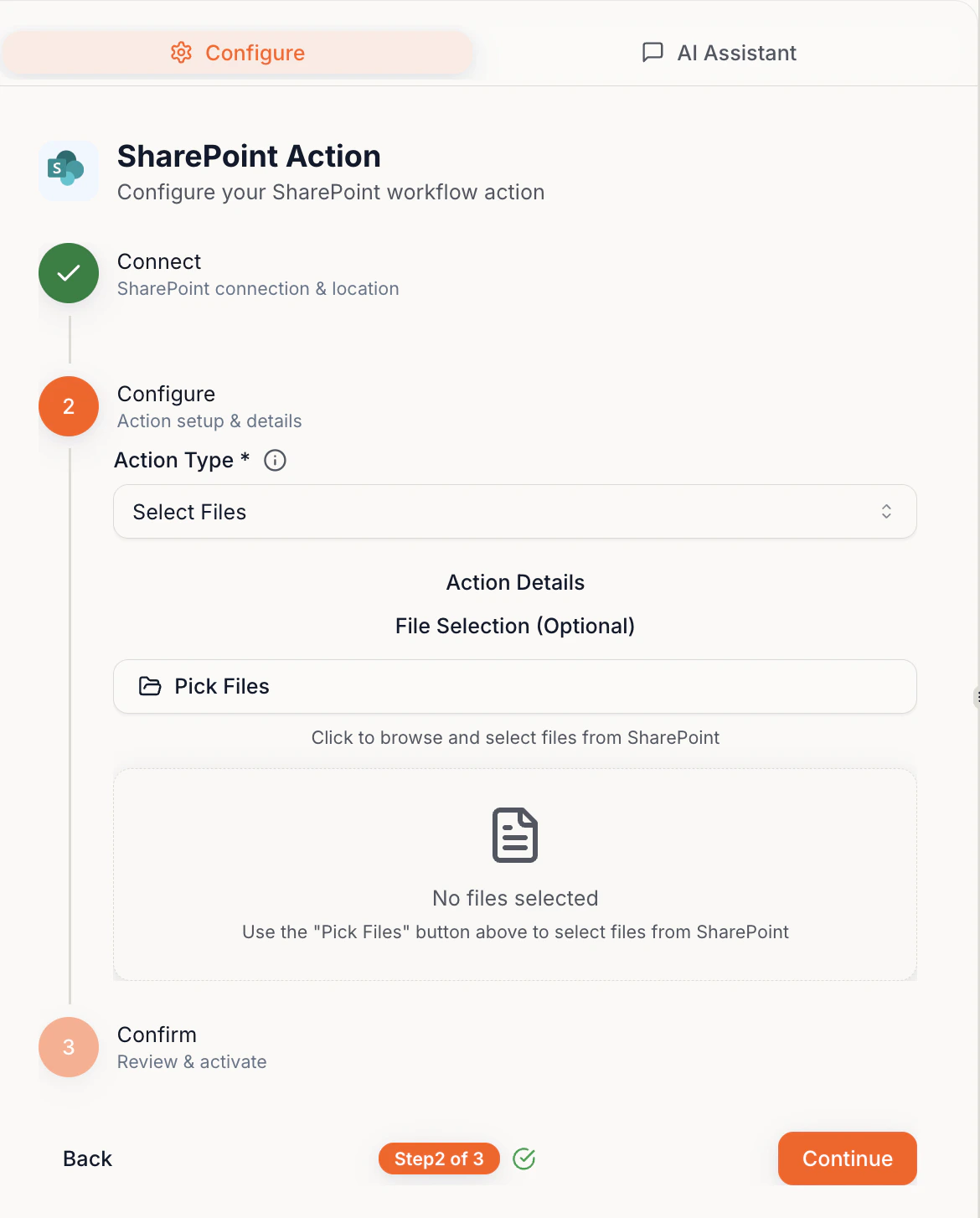
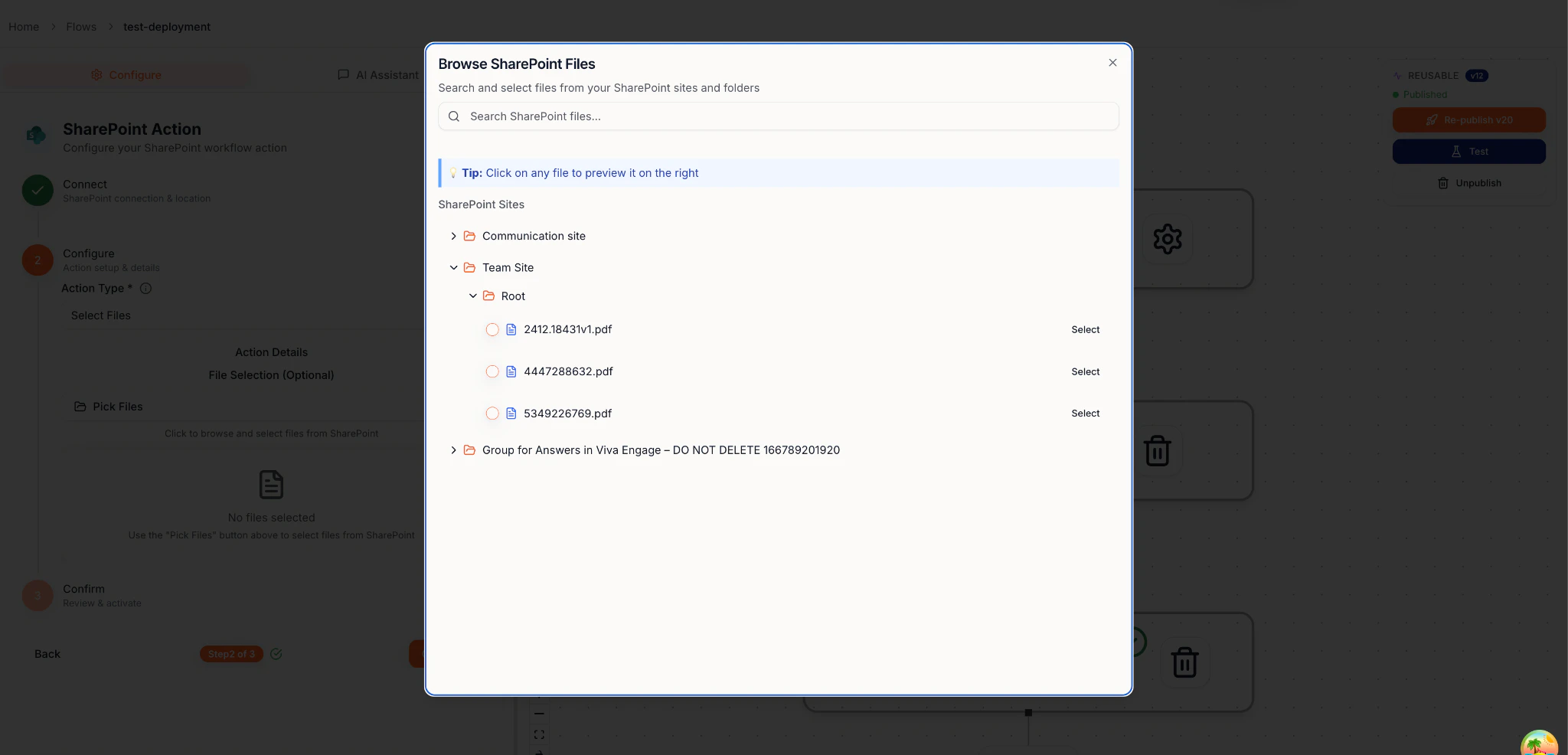
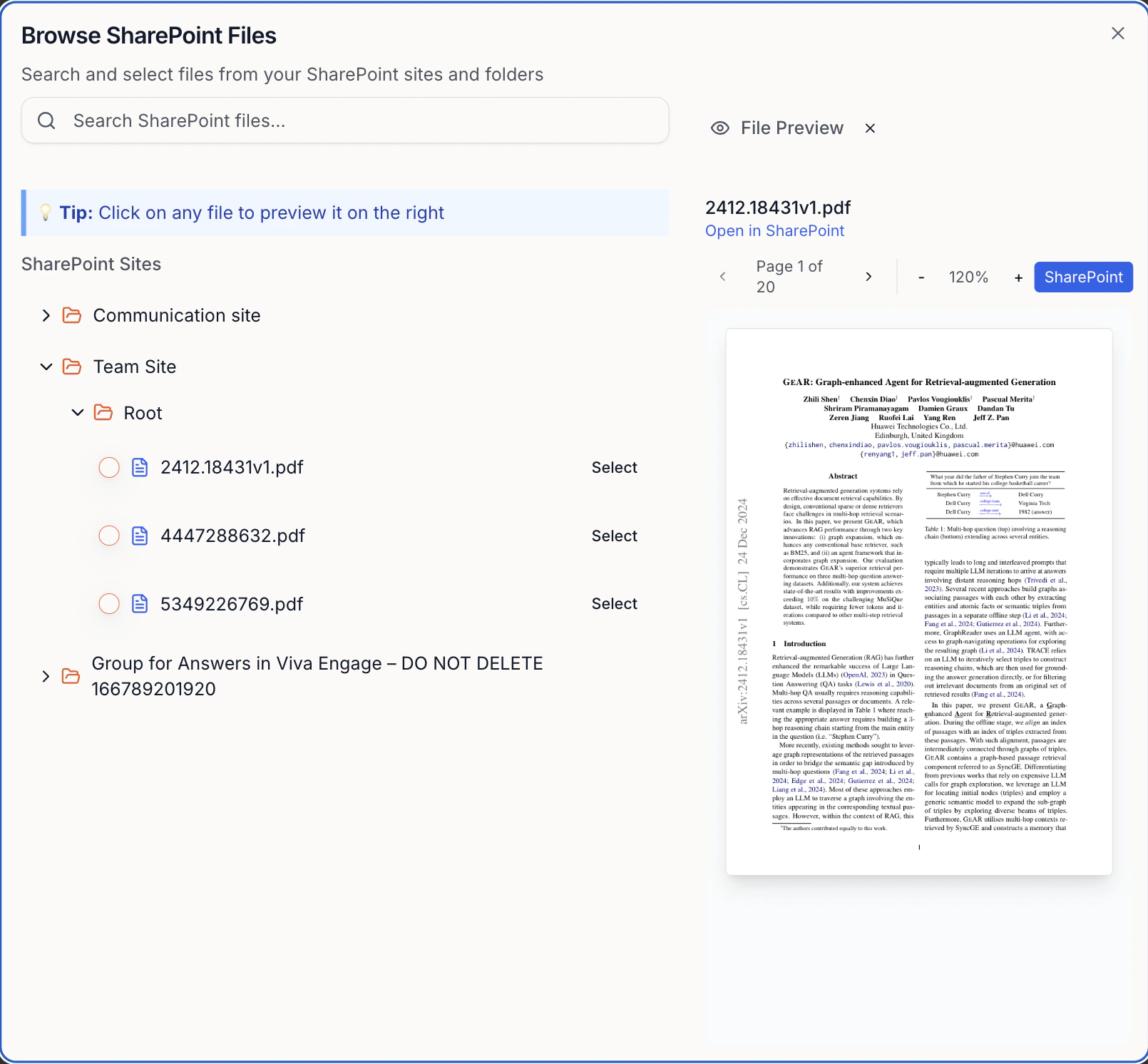
Select, upload, and create files in your connected SharePoint
SharePoint
Select, upload, and create files in your connected SharePoint.
Tips:
Click the filename to preview
Selected files can be used by later steps
Previous
Connections
Plug things in once, then reuse forever
Next
⌘I
On this page
SharePoint