> ## Documentation Index
> Fetch the complete documentation index at: https://docs-beta-fuze.chaoslab.co.nz/llms.txt
> Use this file to discover all available pages before exploring further.
# Sub-Blueprints
> Reusable LEGO blocks for your automations
# Sub-Blueprints
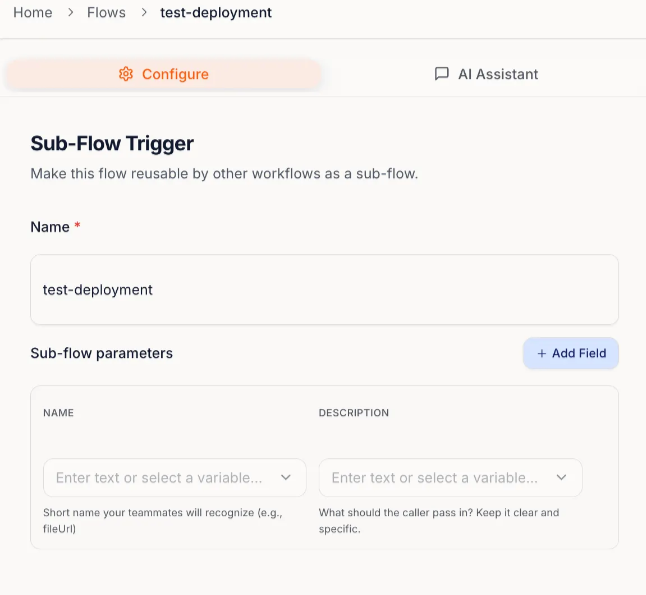
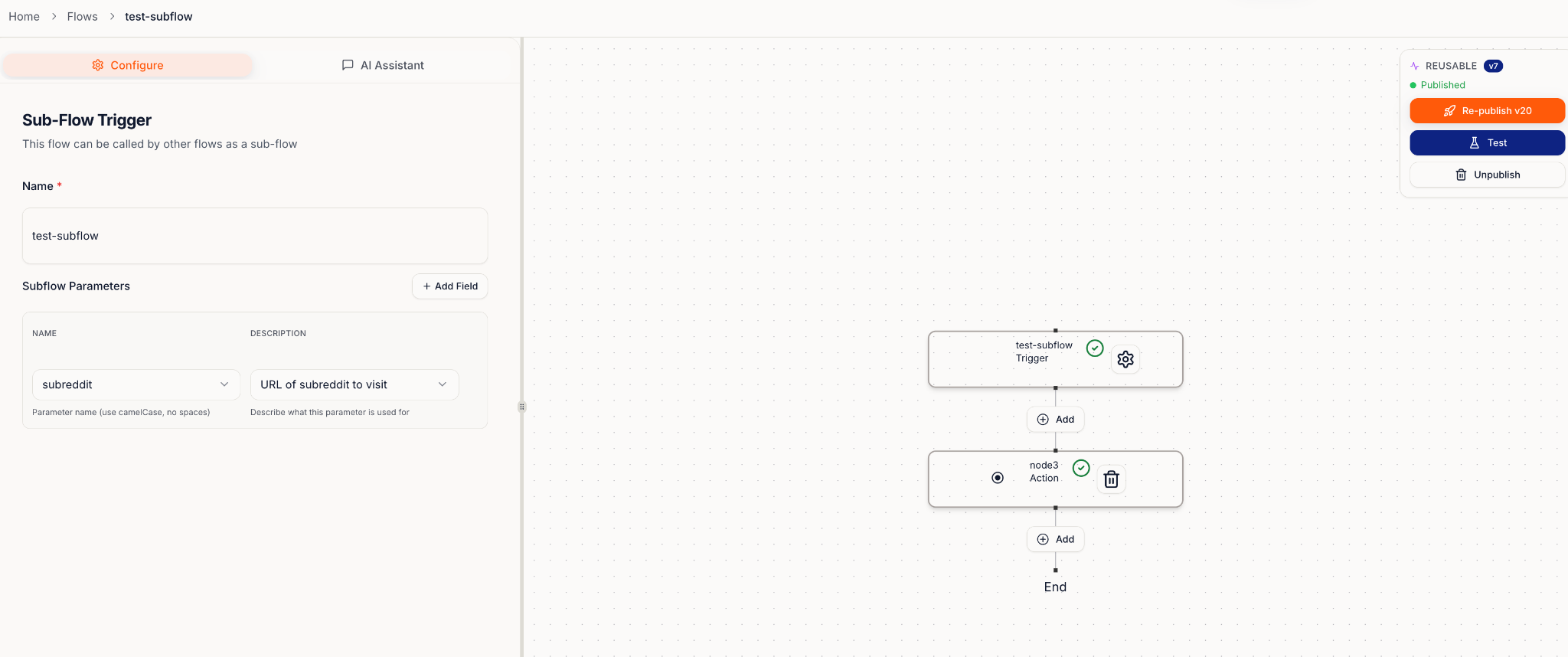
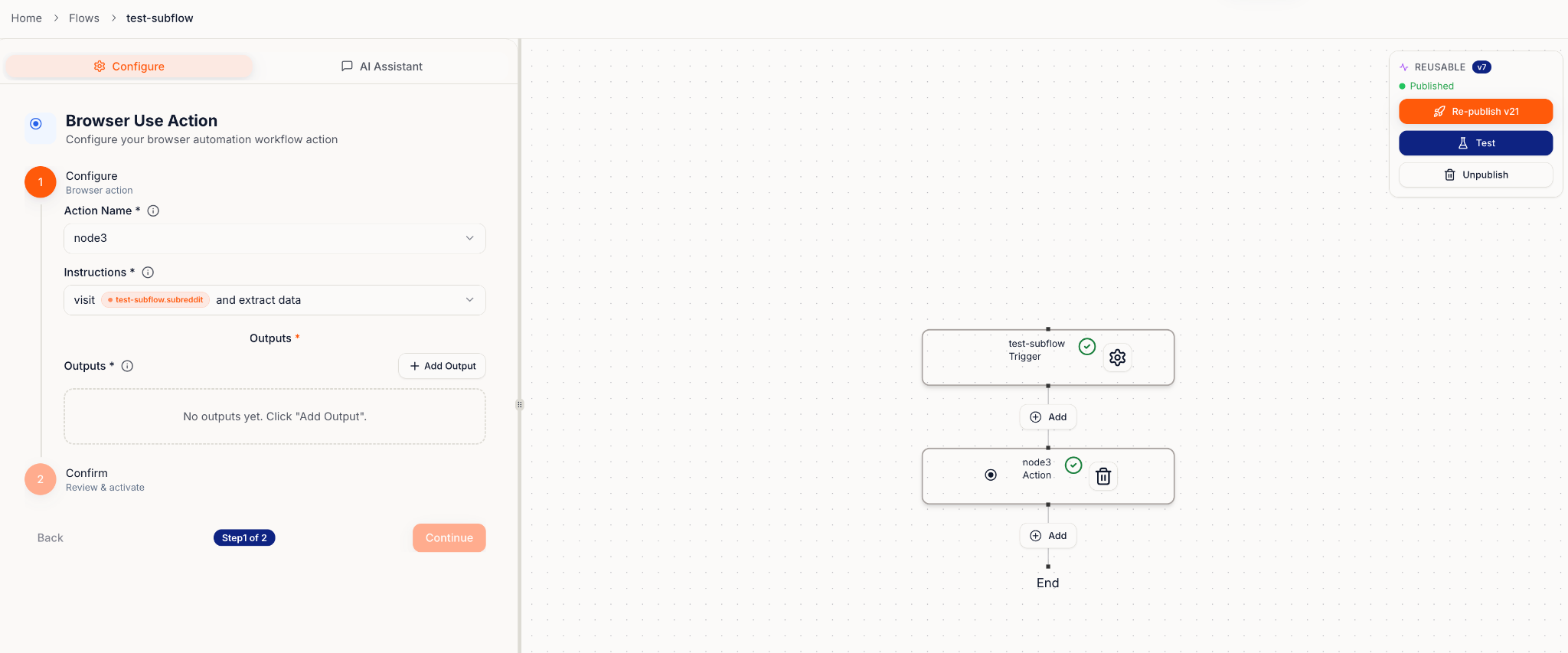
A Sub-Blueprint is a mini Blueprint you can drop into other Blueprints.
They're great when you want to save common patterns once and reuse them everywhere.
 ***
## When to use Sub-Blueprints
Use them for things you repeat often, like:
* Standard formatting (names, dates, fields)
* Shared notifications (Slack/email)
* Routine follow-ups (create tasks, update records)
* Cross-team consistency ("log this to a sheet", "notify sales")
Right now, Sub-Blueprints work best for background tasks your main Blueprint doesn't need to wait on.
***
## Call Sub-Blueprint
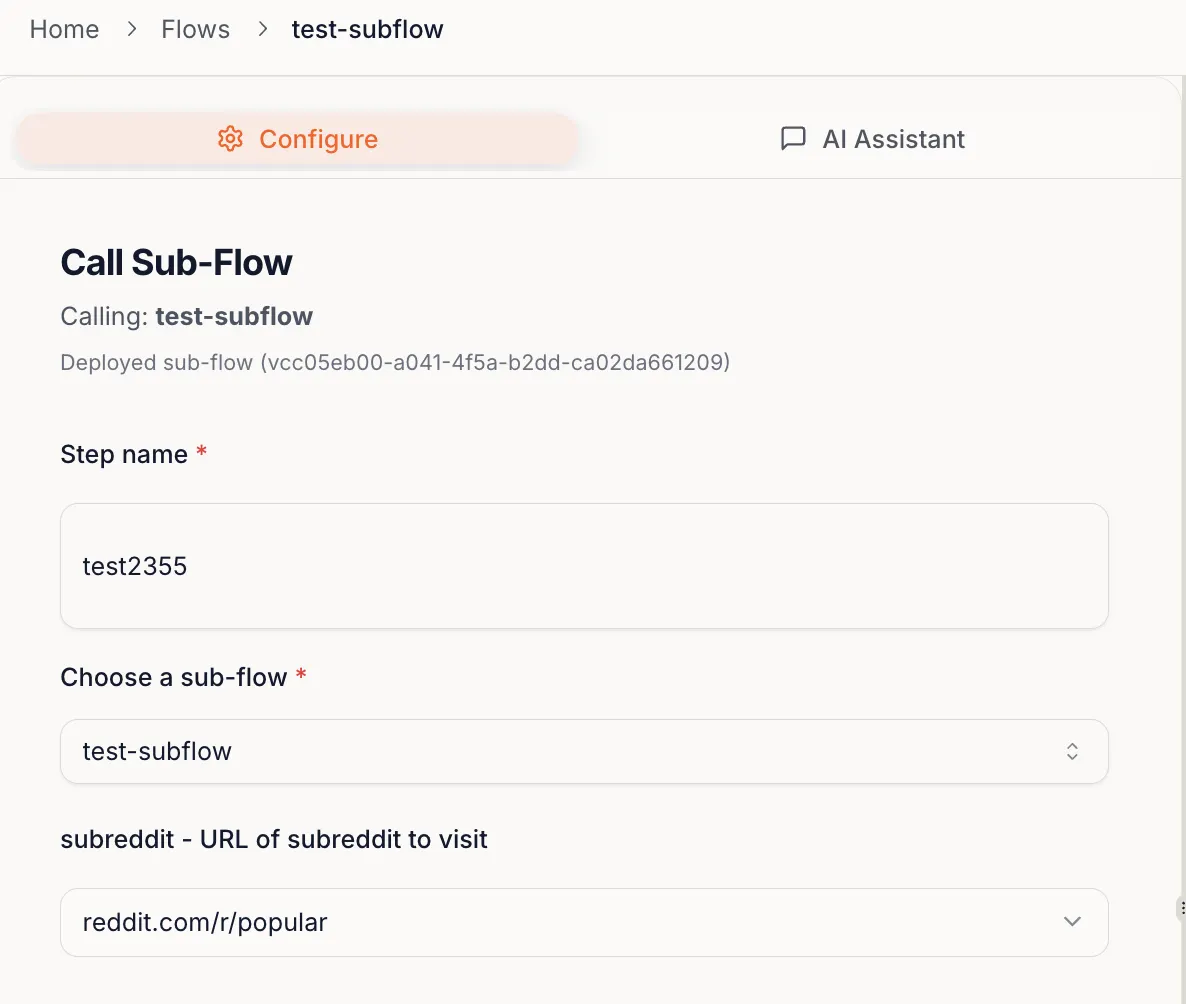
Once a Sub-Blueprint is created, you can add it as a step inside another Blueprint.
***
## When to use Sub-Blueprints
Use them for things you repeat often, like:
* Standard formatting (names, dates, fields)
* Shared notifications (Slack/email)
* Routine follow-ups (create tasks, update records)
* Cross-team consistency ("log this to a sheet", "notify sales")
Right now, Sub-Blueprints work best for background tasks your main Blueprint doesn't need to wait on.
***
## Call Sub-Blueprint
Once a Sub-Blueprint is created, you can add it as a step inside another Blueprint.
 **Example uses:**
* **SharePoint Uploader:** A sub-blueprint that uploads outputs to SharePoint at the end of many Blueprints
* **Report Builder:** A sub-blueprint that generates a report you reuse across multiple processes
**Example uses:**
* **SharePoint Uploader:** A sub-blueprint that uploads outputs to SharePoint at the end of many Blueprints
* **Report Builder:** A sub-blueprint that generates a report you reuse across multiple processes