> ## Documentation Index
> Fetch the complete documentation index at: https://docs-beta-fuze.chaoslab.co.nz/llms.txt
> Use this file to discover all available pages before exploring further.

# Connections

> Plug things in once, then reuse forever

# Connections

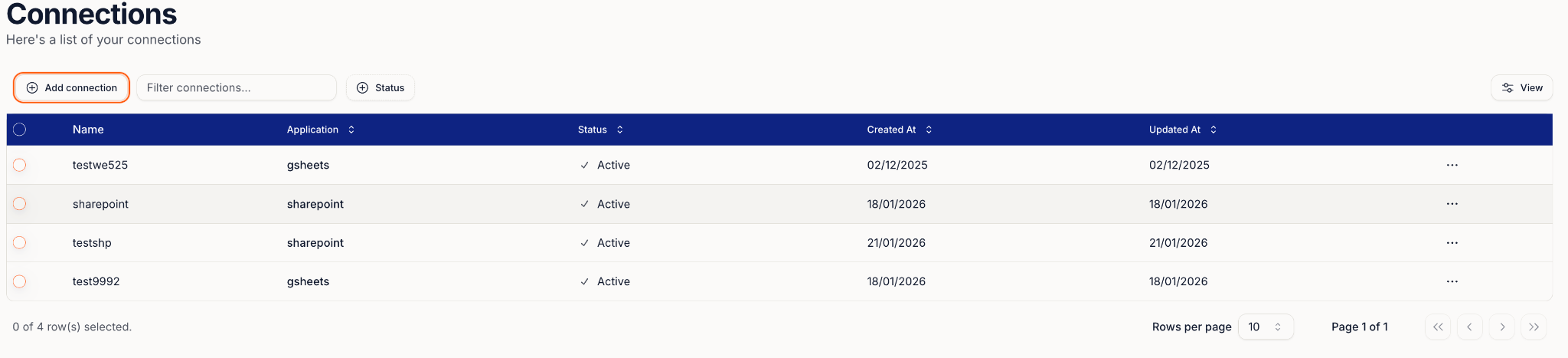
Connections are saved integrations that let Fuze access tools like SharePoint.

Once authorised, the connection appears inside workflow steps so you don't need to log in again.

<Frame>
  <img src="https://mintcdn.com/fuze-0518d254/nJUOaKEeX059o6Hu/images/Private__SharedUser_guideimage12.png?fit=max&auto=format&n=nJUOaKEeX059o6Hu&q=85&s=16c5a157db0b4a05369c7450e9f24541" alt="Connections menu" width="928" height="92" data-path="images/Private__SharedUser_guideimage12.png" />
</Frame>

<Frame>
  <img src="https://mintcdn.com/fuze-0518d254/nJUOaKEeX059o6Hu/images/Private__SharedUser_guideimage10.png?fit=max&auto=format&n=nJUOaKEeX059o6Hu&q=85&s=924d781249e852569a2824bbe2785227" alt="Available connections" width="2048" height="467" data-path="images/Private__SharedUser_guideimage10.png" />
</Frame>

<Frame>
  <img src="https://mintcdn.com/fuze-0518d254/nJUOaKEeX059o6Hu/images/Private__SharedUser_guideimage9.png?fit=max&auto=format&n=nJUOaKEeX059o6Hu&q=85&s=ed1207086d86c464af47448858fc7632" alt="Connection setup" width="756" height="320" data-path="images/Private__SharedUser_guideimage9.png" />
</Frame>

<Frame>
  <img src="https://mintcdn.com/fuze-0518d254/nJUOaKEeX059o6Hu/images/Private__SharedUser_guideimage17.png?fit=max&auto=format&n=nJUOaKEeX059o6Hu&q=85&s=4318ad9431dd6110eefce0014d9c3c42" alt="Connection complete" width="754" height="1536" data-path="images/Private__SharedUser_guideimage17.png" />
</Frame>

***

## Connect SharePoint

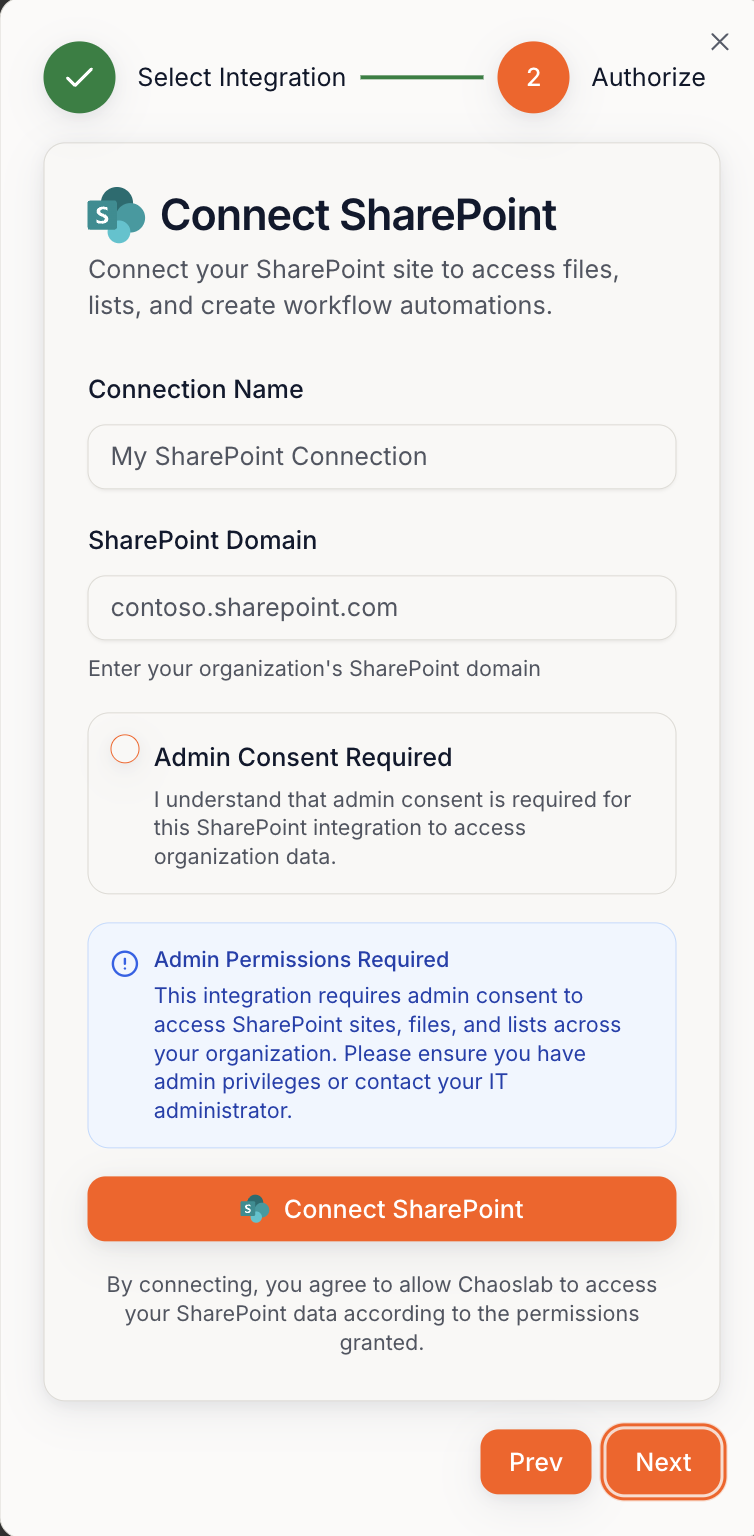
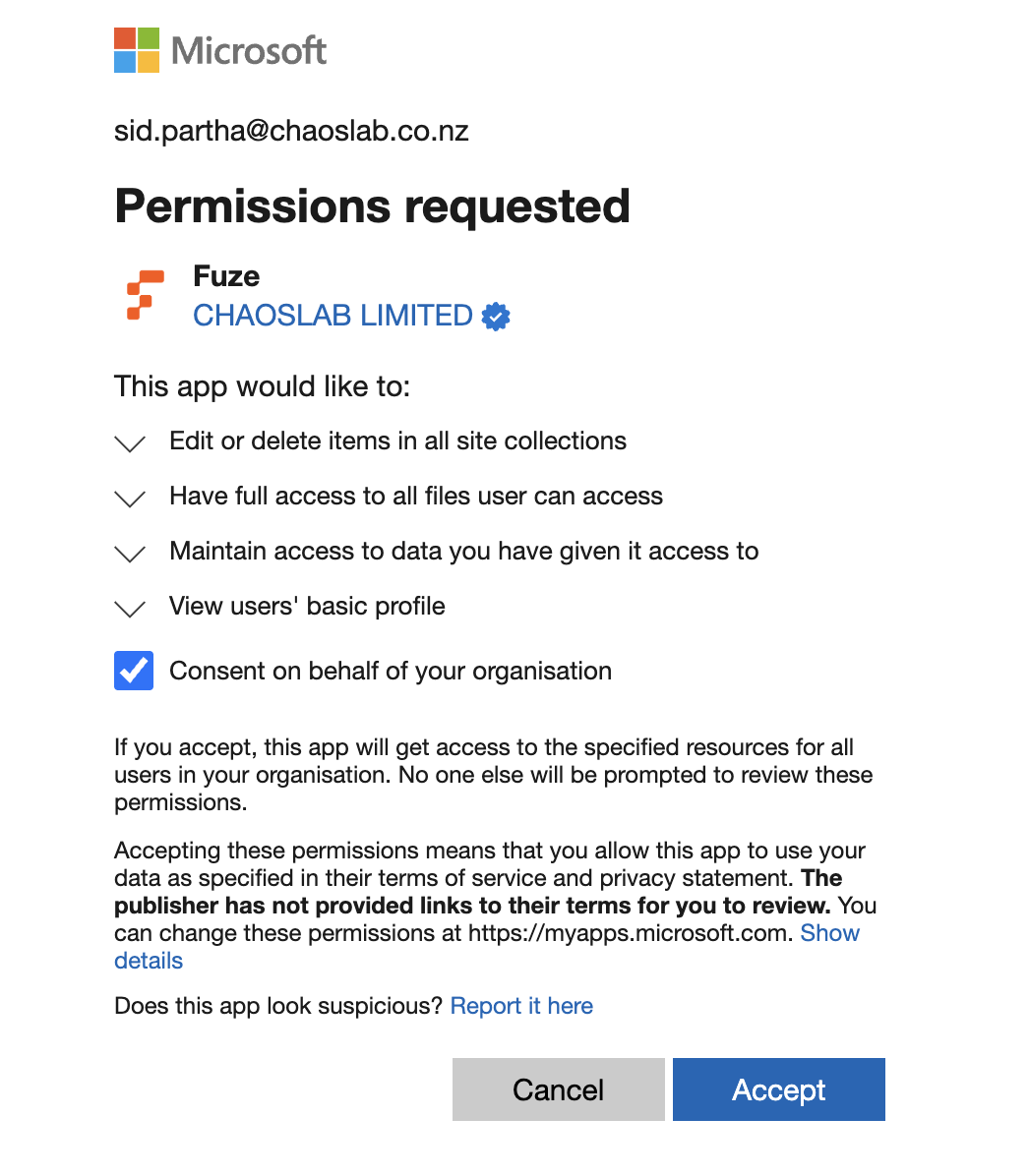
<Warning>A SharePoint site admin may need to approve permissions first.</Warning>

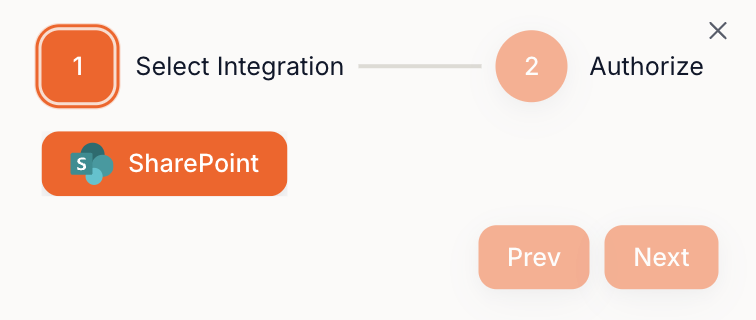
Connect flow:
**Select integration → Connect SharePoint → Login → Next → Confirm**
<Frame>
  <img src="https://mintcdn.com/fuze-0518d254/nJUOaKEeX059o6Hu/images/Private__SharedUser_guideimage19.png?fit=max&auto=format&n=nJUOaKEeX059o6Hu&q=85&s=488bb252b6475a0b5eb2616e4fb32057" alt="SharePoint login" width="1046" height="1196" data-path="images/Private__SharedUser_guideimage19.png" />
</Frame>

<Frame>
  <img src="https://mintcdn.com/fuze-0518d254/nJUOaKEeX059o6Hu/images/Private__SharedUser_guideimage14.png?fit=max&auto=format&n=nJUOaKEeX059o6Hu&q=85&s=116c95e7261931c5540878a3936d3357" alt="SharePoint permissions" width="2048" height="301" data-path="images/Private__SharedUser_guideimage14.png" />
</Frame>

Once added, SharePoint will be available inside SharePoint steps.