> ## Documentation Index
> Fetch the complete documentation index at: https://docs-beta-fuze.chaoslab.co.nz/llms.txt
> Use this file to discover all available pages before exploring further.
# Report Generation
> Create reports with new data based on existing templates
# Report Generation
Create a report with new data based on an existing report template.
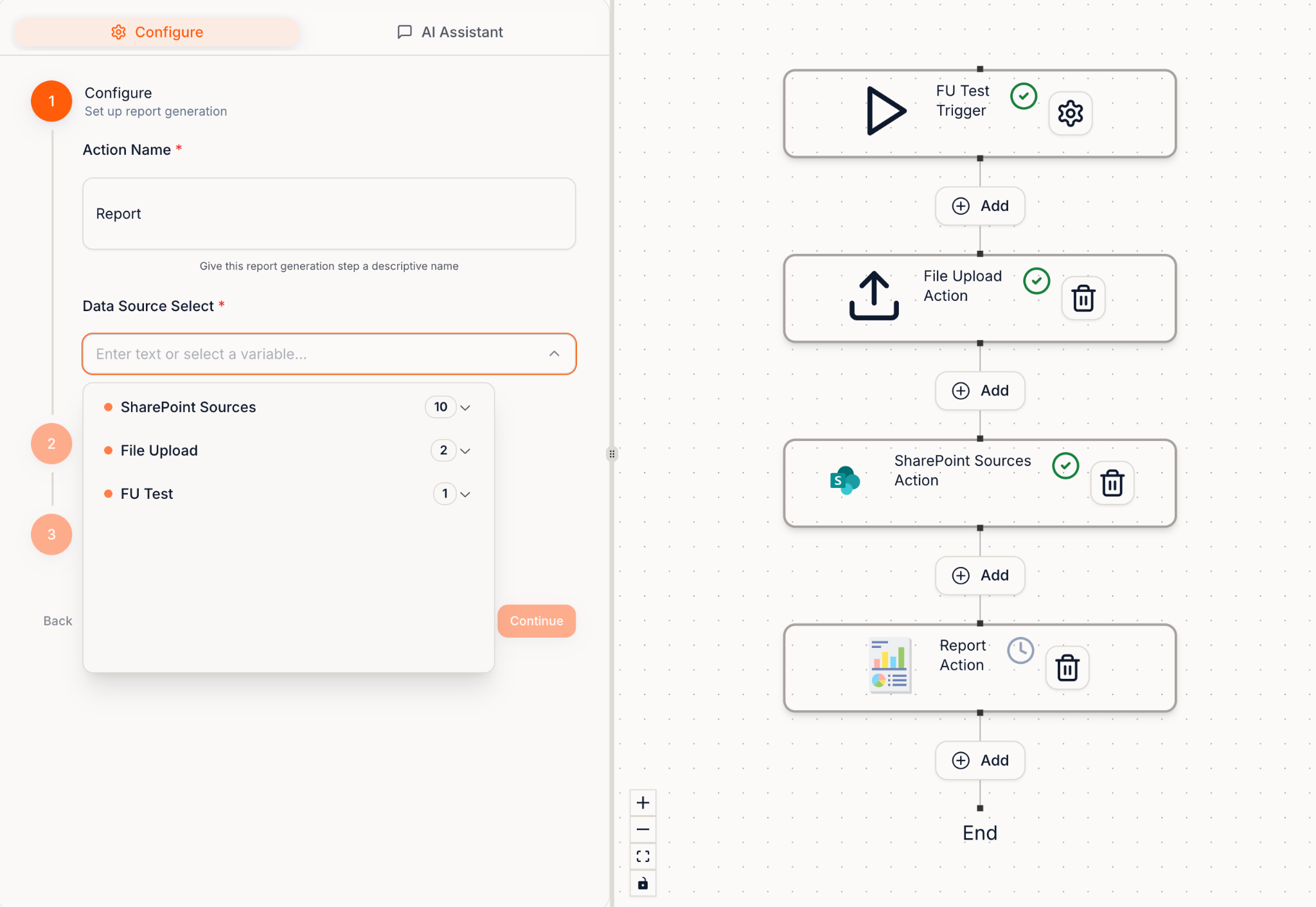
You provide:
* A **sample report/template**
* The **new data** to insert (images, text, documents)
New data can come from:
* File Upload
* SharePoint
* Browser Use
* Call Sub-Blueprint
 ***
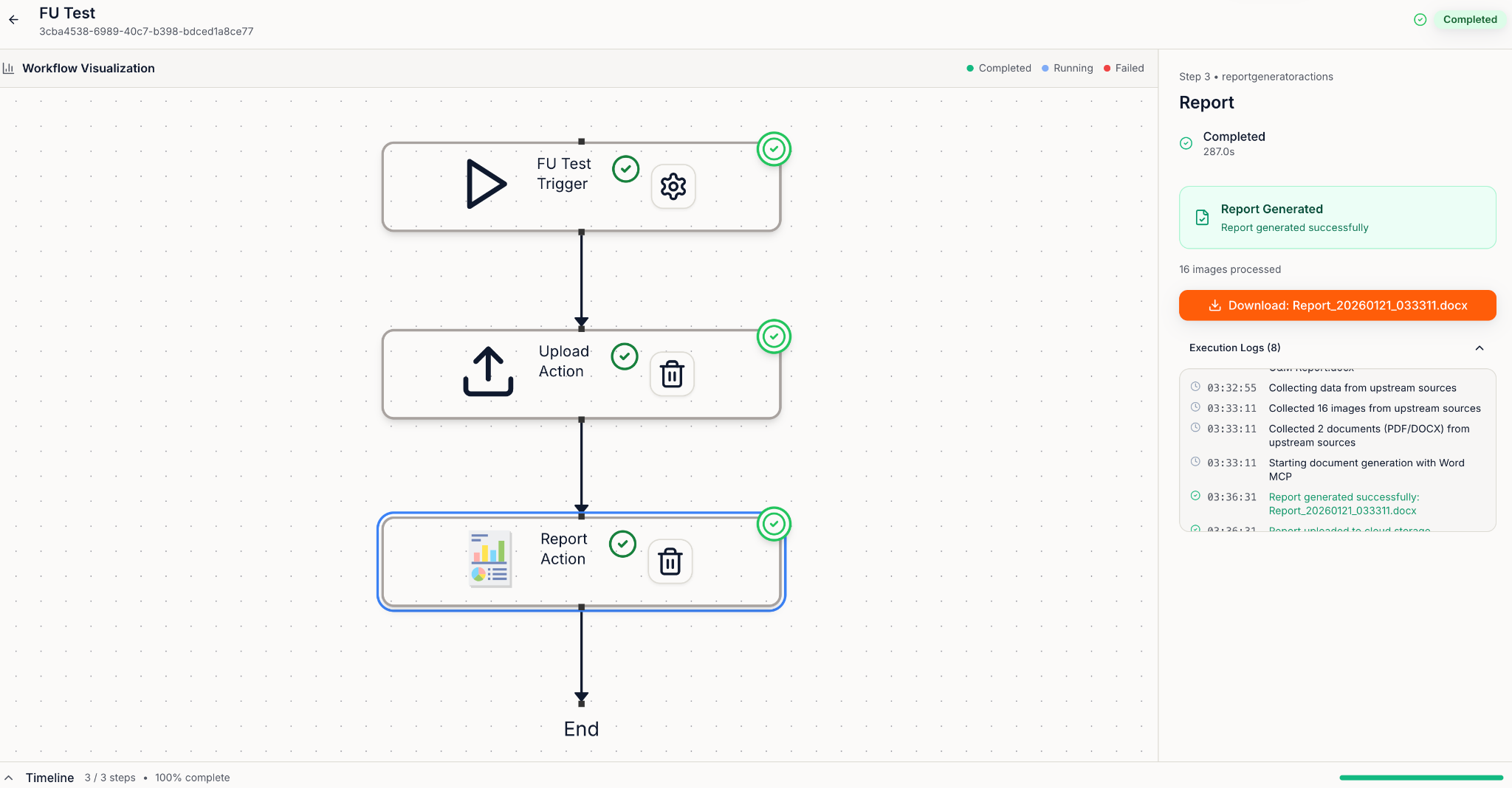
## Accessing the Completed Report
You can access the completed report in the Run Viewer:
***
## Accessing the Completed Report
You can access the completed report in the Run Viewer: